
New TikTok trend · late October 2026
Bicep Heart AI
One photo. One flex. One little heart.
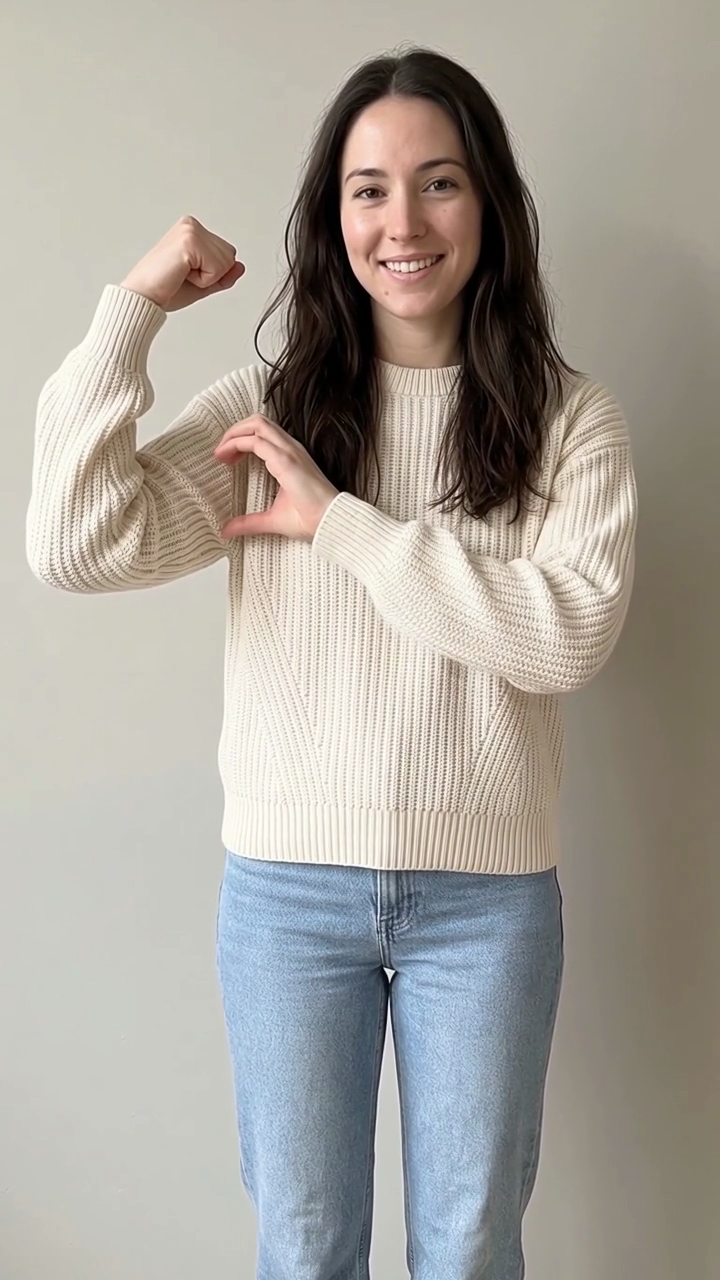
Upload one waist-up photo and get a 7-second vertical video of you flexing one arm and curling the other hand onto the bicep so the hand and the muscle make a heart. Same face, same clothes, same room — your photo is what moves, so the room in the clip is still your room.
- 1 photo
- 7 seconds
- 9:16 vertical
- 480p · 720p · 1080p
- Your own room
- No watermark
The clip you get
Seven seconds, fixed camera, no cut: a smile, one hand crossing to take hold of the other upper arm, that arm bending up into a flex with the fist by the ear, then the other hand curling onto the bicep so hand and muscle close into a heart. The room is the room in your photo — we never swap it for a studio backdrop.
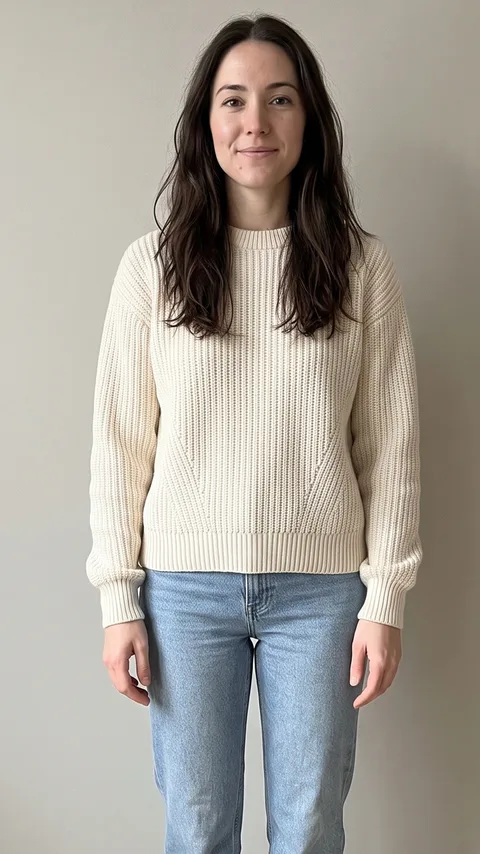
Made from the photo on the left. 7 seconds, 9:16. Same person, same room, same clothes.
The four beats, second by second
The trend is one take broken into four moves. The render follows this order exactly — no skipping the arm grab, no overshooting the pose and coming back.
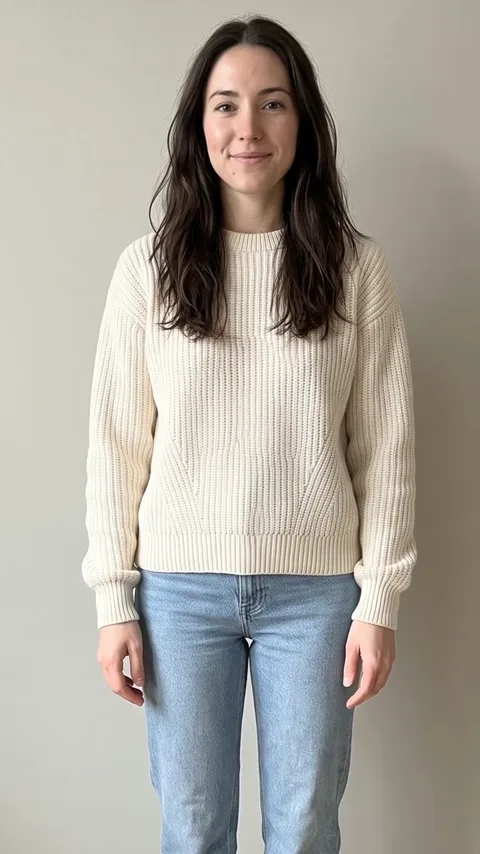 0–2 s
Smile
Standing in your own room, arms relaxed, a small smile into the lens.
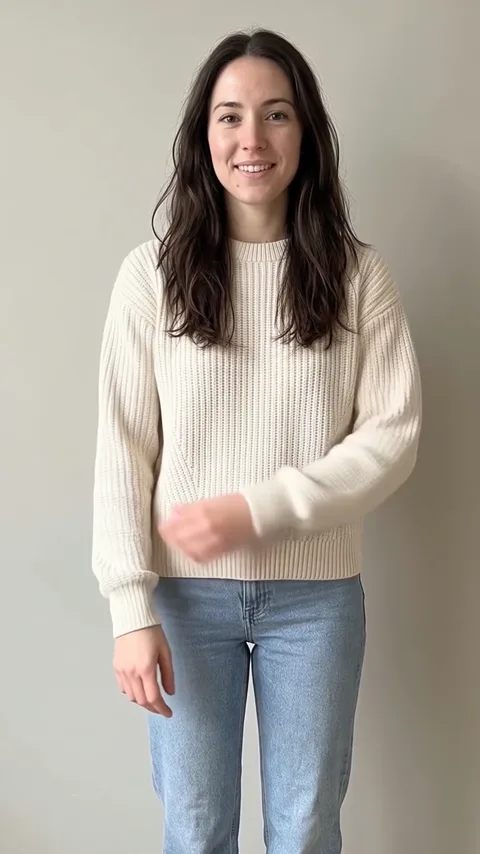 2–2.8 s
Take hold
One hand crosses the chest and takes hold of the other upper arm. This beat is what makes the next one land.
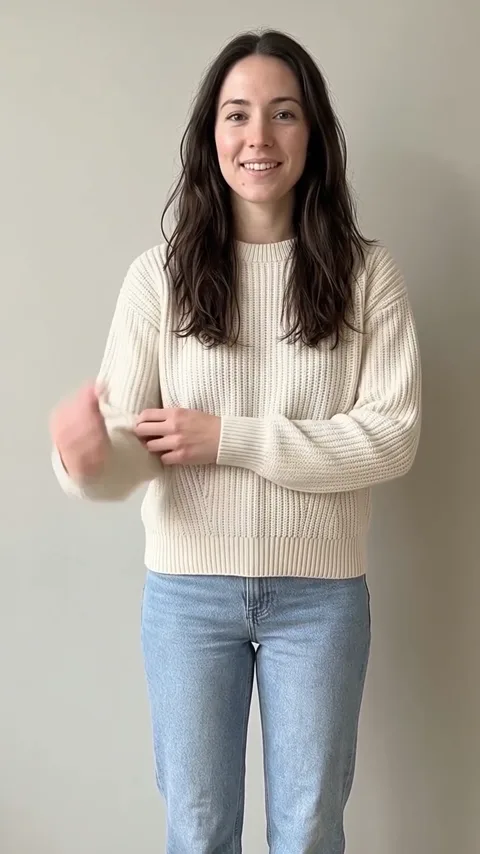 2.8–3.6 s
The flex
That arm bends up, fist by the ear, bicep turned towards the camera. From here the arm stays locked.
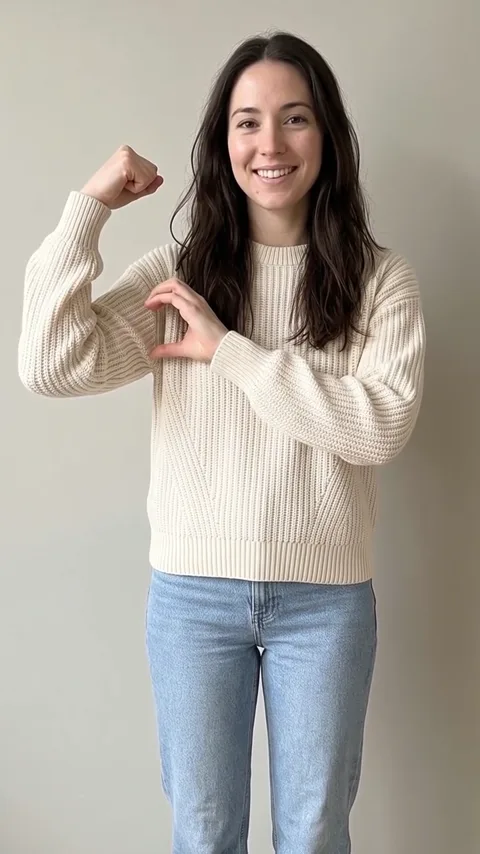 3.6–7 s
The heart
The other hand curls into half a heart and rests on the bicep. The gap between the hand and the muscle is the heart. Hold it, smile, done.
How it works
One paid render, two model calls behind it: a still of the finished pose is built from your photo first, then the video animates from your photo to that pose. That is why the hand lands on the bicep instead of somewhere near it.
- 01
Add one photo
Waist up, facing the camera, both arms in view, good even light. Short sleeves read best; a hoodie still works, the heart is just harder to see.
- 02
Pick a resolution
480p is the fast draft. 720p is the master. 1080p is an AI upscale of that same master, for feeds that re-encode hard.
- 03
Post it with the sound
The MP4 is silent — this trend has no single official sound. Save it, open TikTok, tap Add sound and use the audio from any bicep heart video. Caption idea: "have you ever heard of a bicep heart…".
What photo works
The clip animates the photo you give it, so the photo is the entire art direction. Two things matter more than anything else: both arms visible, and a frame plain enough that the hand reads.
Works well
- One person, waist up, facing the camera.
- Both arms fully in frame, hands not crossed or hidden.
- A T-shirt or tank top — the bicep and the hand show up clearly.
- Even light on the arms and an uncluttered background.
- A vertical photo, or one that crops to 9:16 without cutting an arm.
Will disappoint
- Group shots, or a second person in the background.
- Arms cut off by the frame edge, or hands behind the back.
- A bulky hoodie or a thick coat over the arms.
- Heavy filters, sunglasses, or a face-only crop.
- Dark, backlit or mixed-colour lighting.
Use your own photo, or a photo of an adult who has agreed to it. No children, no celebrities, no strangers. Videos are AI-generated — label them when you post.
Bicep Heart pricing
Credits are resolution-only — one person, one photo, one clip. It is the cheapest render on the site, because there is no reference clip to pay for.
480p
$4.99
5 credits
Draft tier and the fastest render. Good for trying the pose on a photo you are not sure about.
720p
$8.99
9 credits
The master. This is the one to post.
1080p
$14.99
15 credits
AI upscale of the 720p master, for feeds that re-compress hard.
Credits never expire and a failed render is refunded automatically. Packs and checkout: Pricing
Bicep Heart questions
More on the bicep heart
Three short reads: what the trend actually is, how to shoot the photo that makes it work, and what the render will and will not do.
- What is the bicep heart trend? The one-hand heart explainedThe bicep heart trend explained: the four beats, why the heart comes from a hand on a flexed bicep rather than two hands, the pose in words, and how the AI version rebuilds it from one photo.
- How to make a bicep heart AI video from one photoStep by step: the photo to use, which resolution to pick, how the two-step render works, how to add the trend sound in TikTok, and what to check before you post.
- Bicep heart photo guide: the one photo that makes the heart readWhat photo to upload for a bicep heart AI video: framing, arms, sleeves, light and background — plus the five photo mistakes that break the last beat.
One photo. One flex. One little heart.
Upload one waist-up photo and get a 7-second vertical video of you flexing one arm and curling the other hand onto the bicep so the hand and the muscle make a heart. Same face, same clothes, same room — your photo is what moves, so the room in the clip is still your room.
Make my bicep heart