Lead dog
Owns the opening line and the laughing close-up. This is the seat people screenshot.
Shots 1 and 3
Dog Tiny Desk AI
19 seconds, the original “Outstanding” finale, your dog on lead
Upload one photo of your dog — or five, one per seat — and get a 19-second vertical video with the real audio. Your dog keeps its own coat, markings and ears. The rest of the band is already on stage.
Photo order is the only decision you make. Photo 1 sings lead and takes the close-up. Photo 2 plays the sax solo. Photo 3 sits at the red keyboard. Photos 4 and 5 sing backup on the left and the right. Leave a seat empty and the original performer stays — nothing is cropped or covered up.
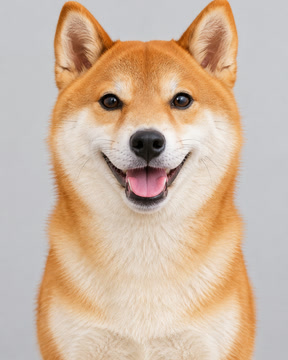
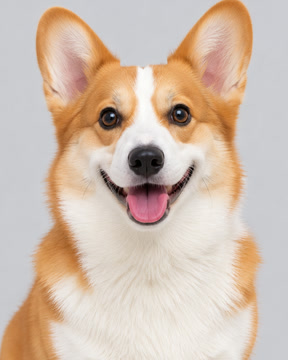
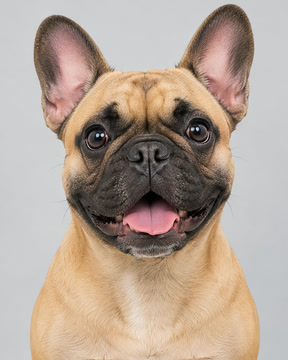
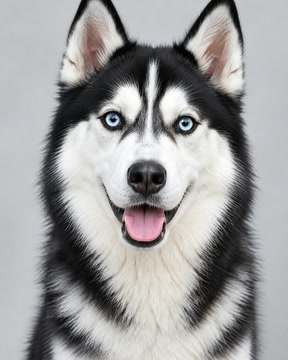
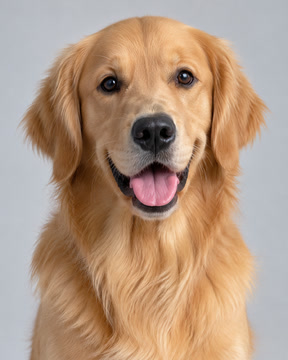
These are the five photos behind the video above. One dog per photo, all facing the camera.
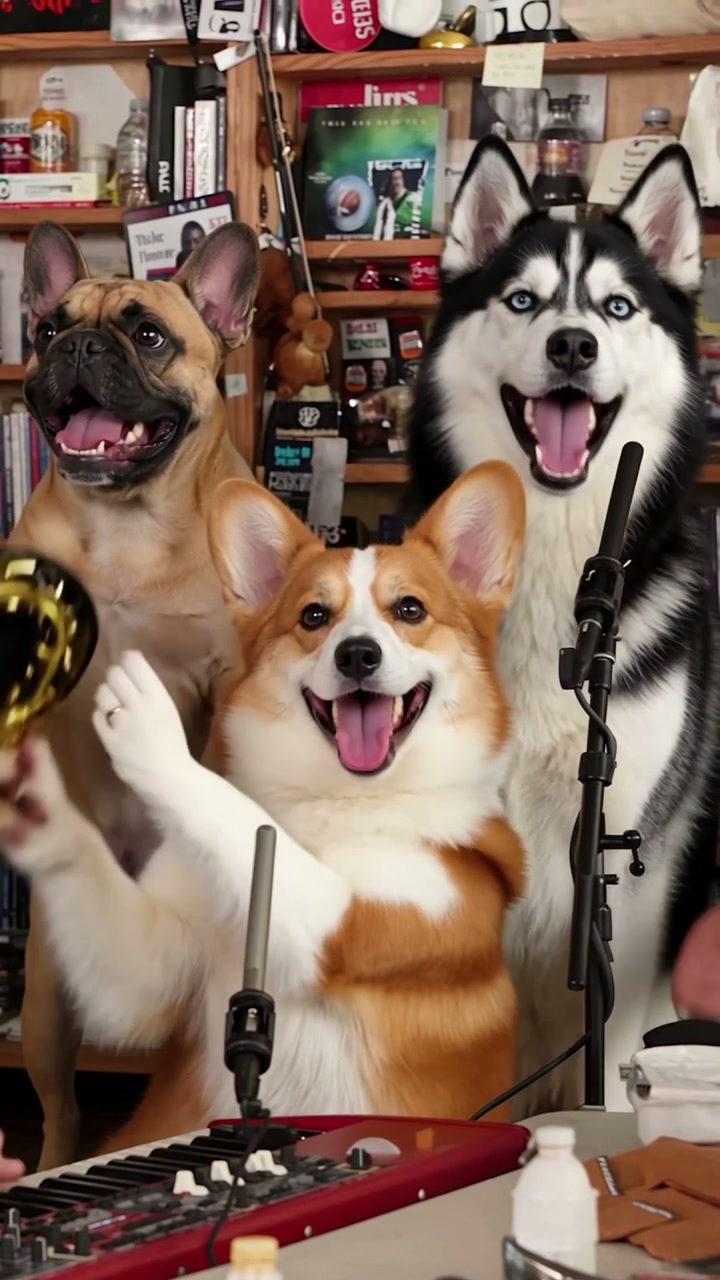
Three frames from the same render: the close-up, the wide band shot and the sax solo. Same desk, same lighting, same four cuts as the reference.
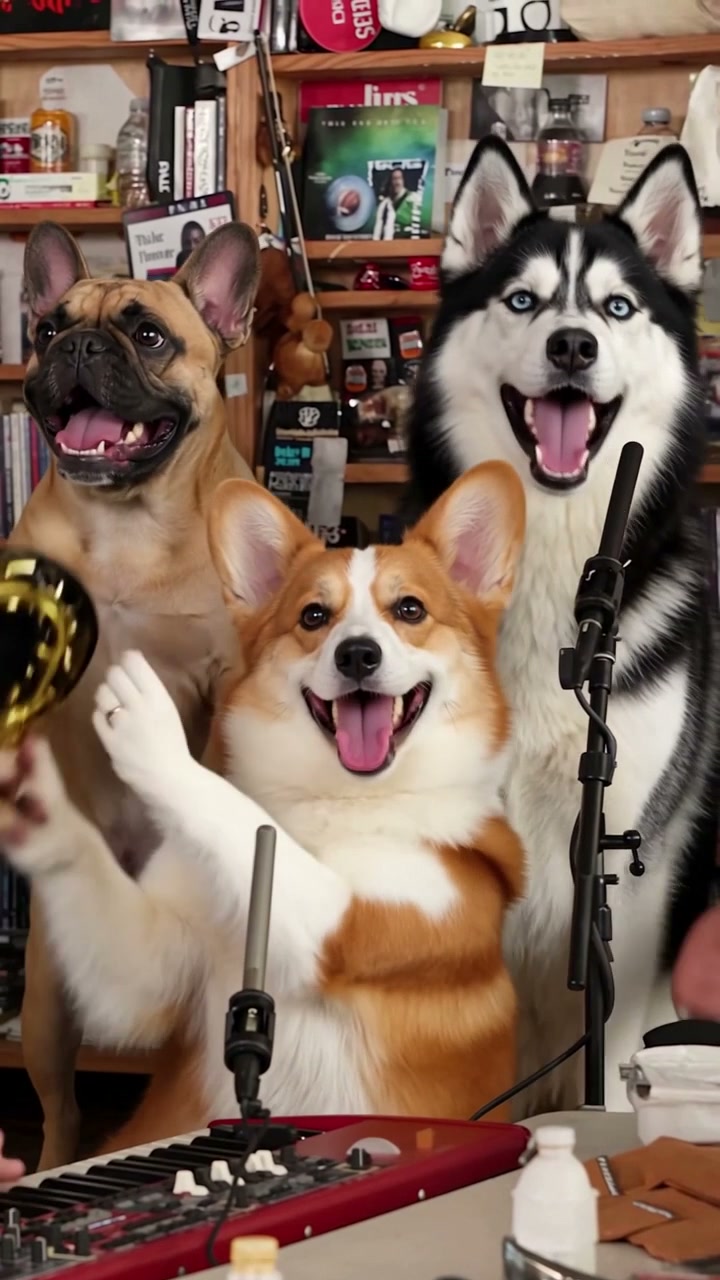
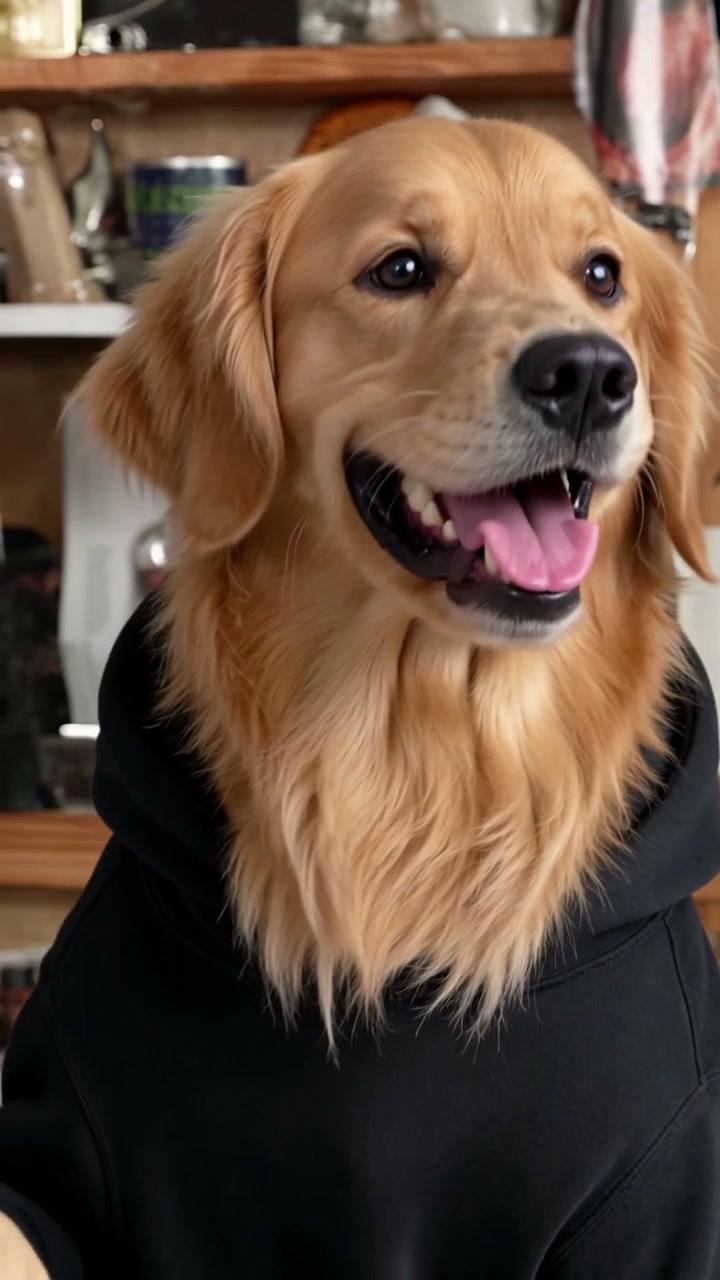
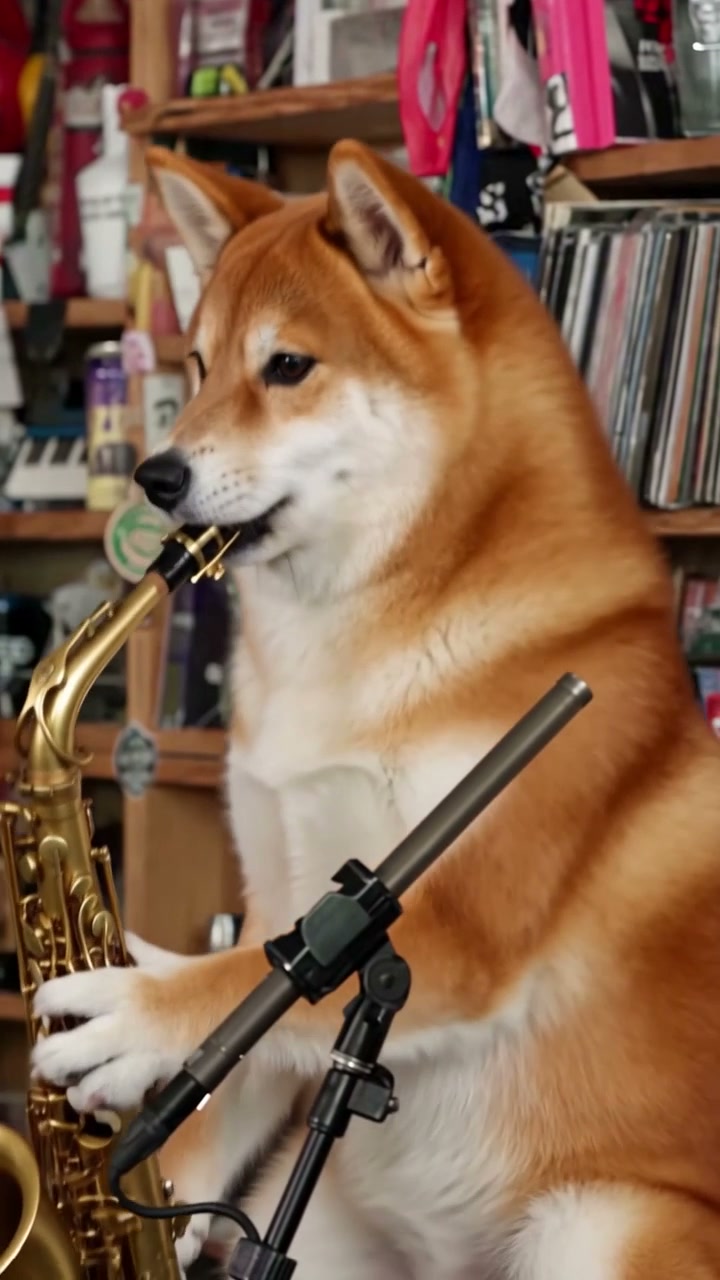
Dog Tiny Desk AI is the Tiny Desk AI band format with dogs in the seats. The clip is a 19-second vertical performance of The Gap Band’s “Outstanding”: the side-on opening line, the wide shot at the red keyboard, the laughing close-up, the sax solo, then the band again.
The song, the four hard cuts and the camera moves are not generated. They are fixed, so your dog is dropped into a performance that already works — the only thing that changes is who is on screen.
One photo is enough. Your dog takes the lead and the close-up; the band behind it is built in. Add up to four more photos and your other dogs take the sax solo, the keyboard and both backup spots. Five dogs cost the same as one, because the price is per video and per resolution, never per seat.
Three steps, no timeline, no prompts to write.
Put your dog in the lead seat first — that is the close-up. Add one photo for each other dog you want in the band, or stop at one.
480p, 720p or 1080p. The credit cost sits on the button before you pay, and it does not change with the number of dogs.
The five shots render, stitch back onto the original cuts and arrive with the original audio. Vertical 9:16 MP4, no watermark.
Every seat is optional, and each photo stays exactly where you put it. The music does not change: whatever your dogs look like, the band already knows the song.
Lead dog
Owns the opening line and the laughing close-up. This is the seat people screenshot.
Shots 1 and 3
Keyboard dog
Sits front-centre behind the red keyboard with paws on the keys, in three of the five shots.
Shots 2, 4 and 5
Backup dog · left
Stands on the left of the band in both wide shots, on the beat with the original backing vocalist.
Shots 2 and 5
Backup dog · right
Stands on the right of the band in both wide shots, clapping with the original backing vocalist.
Shots 2 and 5
Sax dog
Takes the solo near the end with the original gold saxophone held in its front paws.
Shot 4
The model reads the face, the coat pattern and the ear shape, so the photo matters more than the breed.
Same rules as the human portraits, minus the sunglasses clause. Tiny Desk AI photo requirements
Credit packs start at $6.99 for 7 credits, which is enough for one 480p video. A 720p video is 14 credits and a 1080p video is 24.
| Cast | 480p | 720p Best value | 1080p |
|---|---|---|---|
| 1–5 dogsSame price whether one dog or five | 7credits | 14credits | 24credits |
Credits are charged per finished video, never per seat. 1080p is an AI upscale of the 720p master.
Credit packs: 7 credits for $6.99, 16 for $14.99, 50 for $44.99. Credits last 12 months. Pricing
One photo is enough to start. Add the rest of the pack if you have one.
Make my dog band video