Short answer
The Tiny Desk AI template is not a file you download — it is a fixed 19-second, 457-frame vertical clip with four hard cuts and five replaceable seats. You pick between one and five seats, add a portrait for each, and only the shots your cast appears in are rendered. Music, cuts, framing and the room never change.
Use the templateThe Tiny Desk AI template
One fixed 19-second performance, five seats, four hard cuts. Everything else is your cast.
Updated 2026-10-29
People search for a “Tiny Desk AI template” and usually mean one of three things: a CapCut or After Effects project, a prompt they can paste into a video model, or a website that already has the clip wired up. Only the third one exists here, and it is the only one that keeps the result looking like the meme.
What the template actually is
| Property | Value |
|---|---|
| Length | 19.04 seconds |
| Frames | 457 at 24fps |
| Aspect ratio | 9:16 · 720×1280 |
| Hard cuts | 4 — at frames 33 / 161 / 312 / 393 |
| Shots | 5 |
| Seats you can replace | 5, each optional |
| Audio | Original track, muxed after rendering |
| Output | MP4, no watermark, 480p / 720p / 1080p |
The five seats in the template
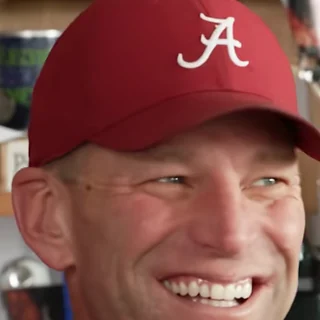
1.Lead singer
Shots 1 and 3
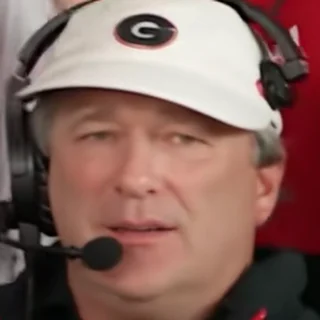
2.Keyboard
Shots 2, 4 and 5
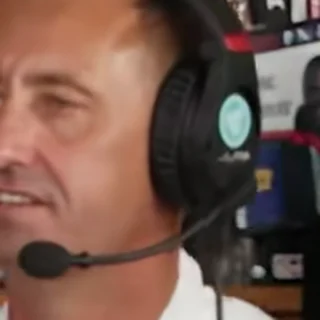
3.Backing vocal · left
Shots 2 and 5

4.Backing vocal · right
Shots 2 and 5
5.Saxophone
Shot 4
What is locked and what you choose
- Locked: the song, the four cuts, the camera moves, the room, the instruments, and the clothes of anyone you do not replace.
- Locked: the length. It is always 19 seconds — there is no timeline to trim.
- Yours: which of the five seats change, who stands in each one, and the delivery resolution.
- Yours: one portrait per seat, front-facing and evenly lit.
Which version of the template to use
| Cast | Seats filled | Shots rendered |
|---|---|---|
| Solo | 1 (lead singer) | 2 |
| Duo / trio | 2–3 | 3–4 |
| Full band | 4–5 | 5 |
A solo lead only touches the opening and the close-up, so it renders two shots instead of five. That is the fastest way to test the template before casting a full band — the credit price is the same either way. Prices are on is Tiny Desk AI free.
How to use the template
- 1Open the studio and look at the five seat cards — each shows the performer currently in that seat.
- 2Tap the seats you want to replace and add one clear portrait for each. Leave the rest empty.
- 3Pick 480p, 720p or 1080p, accept the consent box, and press Make my band video.
- 4Download the MP4 when it finishes — usually a few minutes.
The full walkthrough, including what to do when a face does not land, is in how to make a Tiny Desk AI video.
Why there is no downloadable template file
- The footage and the music are not ours to redistribute — a project file would be a redistribution.
- An editable timeline lets the cuts drift, and the cuts are the joke.
- A prompt template sent to a general model re-times the clip; the four hard cuts land somewhere else and the audio no longer matches.
The template is the constraint. Change the constraint and you get a different meme.