
The pointer
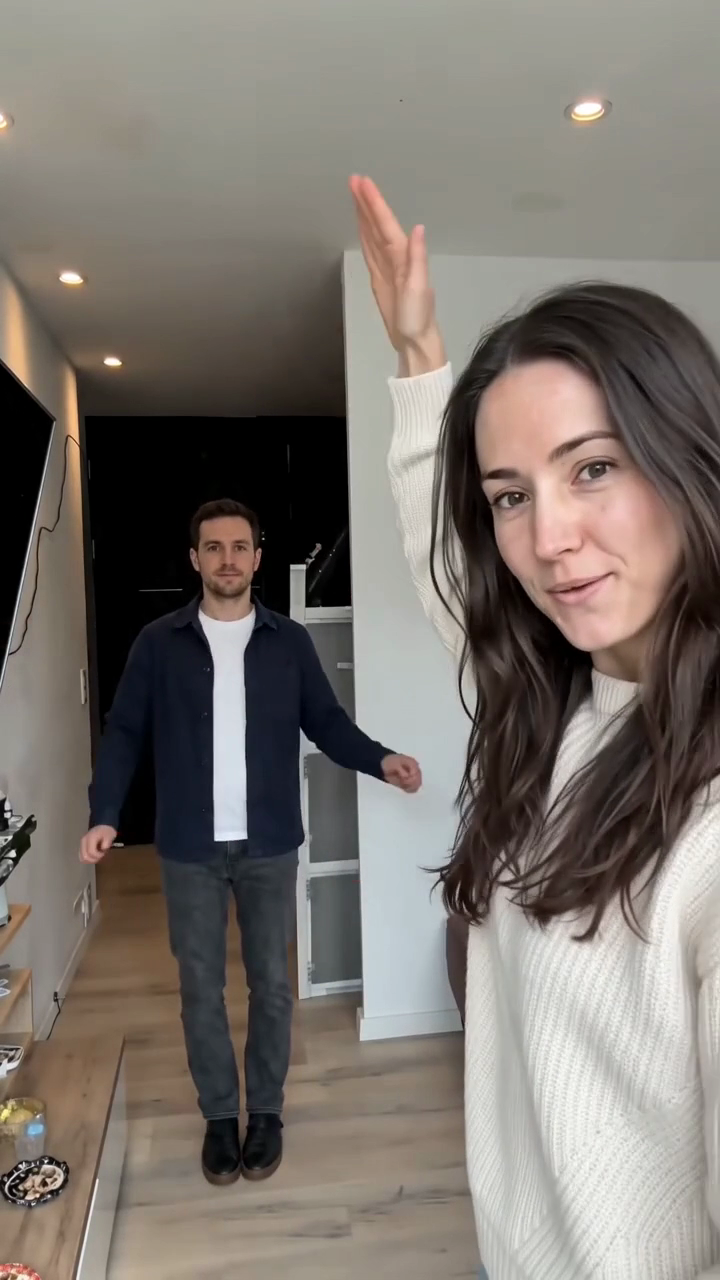
Starts at the lens. Points back down the hallway, raises a flat palm over their head and presses them down.
Takes the close-up in the first half; after the hard cut they are the one down the hallway.
Two-photo trend
Squished or get squashed
Two photos, one hard cut. One of you points and presses a flat palm down; the other hops, folds and sinks. Then you swap. Eight seconds, 9:16, no editor, no prompt.
This is a real render from the studio below, made from the two photos next to it. Nobody filmed anything.
Both seats are required. A one-person version breaks the joke, because there is nobody to squish and nobody to swap with.
No timeline, no keyframes, no editing app. The action is fixed; you supply the two faces.
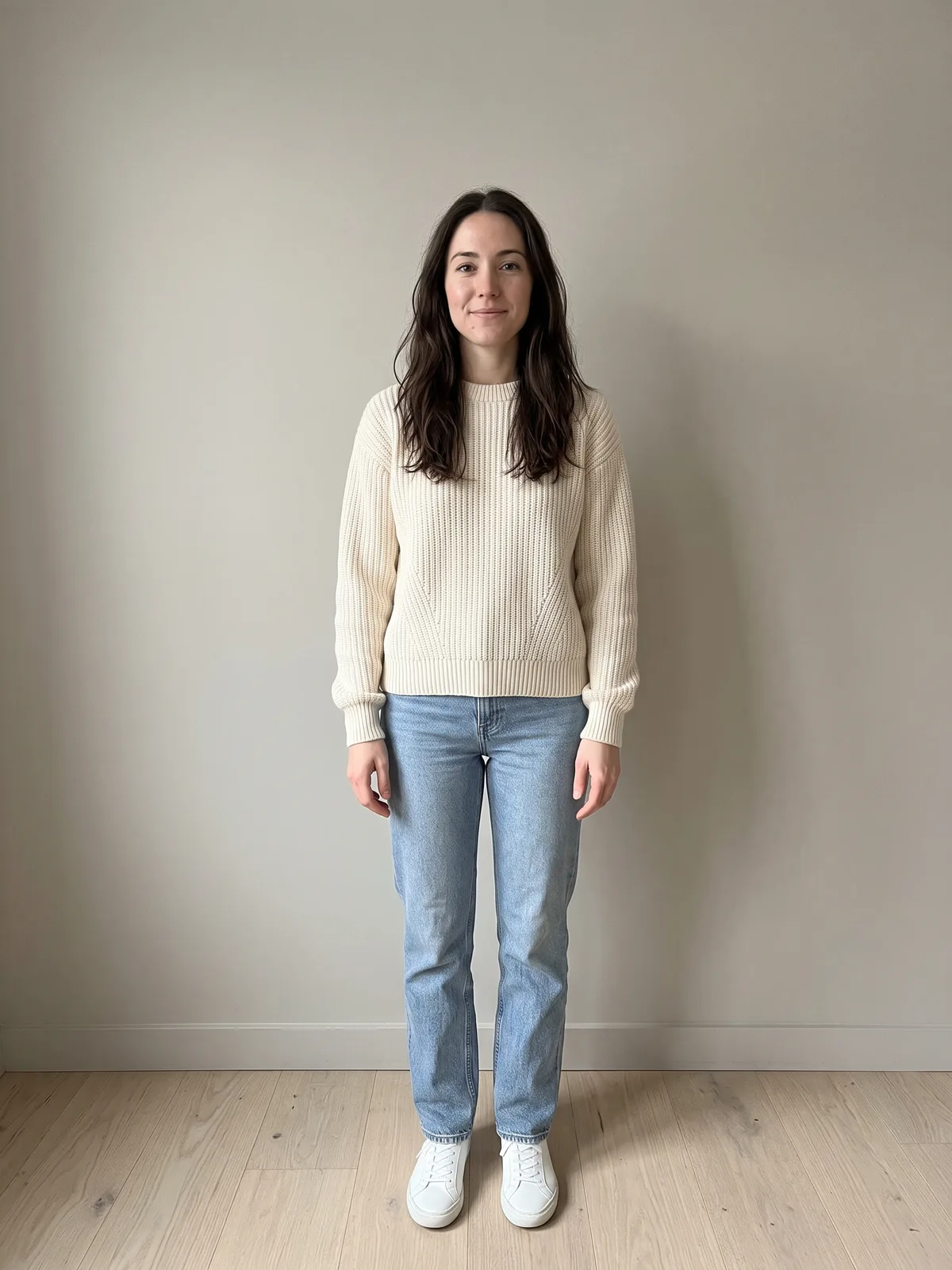
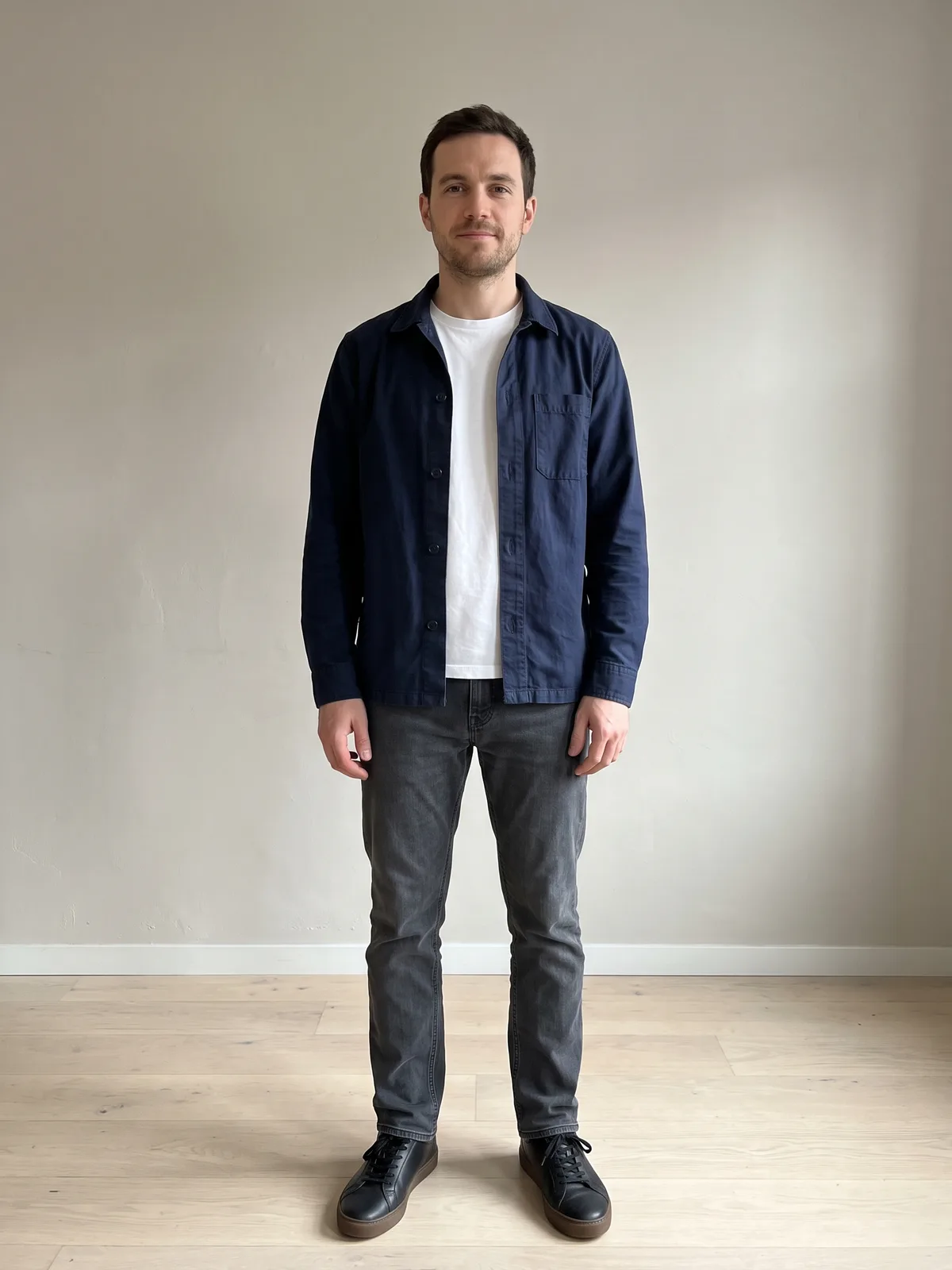
One per person. The first photo takes the close-up; the second starts down the hallway. Both people appear in both halves, so both photos matter.
720p is the native render and the fastest. 1080p is an AI upscale of that same master, for feeds that re-encode hard.
An 8-second vertical MP4 with the trend sound already laid under it, no watermark. Sound and picture are locked to the same beats, so posting it does not drift.
The format is a two-person camera trick. Whoever stands at the lens holds a flat palm over the person far down the hallway and presses down; they crouch lower and lower. The palm never touches anyone — they are metres apart and only line up from the camera. At the hard cut they trade places and it happens the other way round.
The pointer
Starts at the lens. Points back down the hallway, raises a flat palm over their head and presses them down.
Takes the close-up in the first half; after the hard cut they are the one down the hallway.
The bouncer
Starts far down the hallway. Hops on the beat, then folds and sinks as the palm comes down.
Starts down the hallway in the first half; after the hard cut they take the close-up.
Both seats are required. A one-person version breaks the joke, because there is nobody to squish and nobody to swap with.
The model has to keep both faces straight across a hard cut, so the photos do most of the work.
Upload only photos of adults who have agreed to appear. Label the result as AI-generated when you post it.
One price per finished video. Credits never expire, and a failed render returns them automatically.
720p
$9.99
10 credits
Native render · fastest
1080p
$16.99
17 credits
AI upscale of the 720p master
Credits come in packs; the per-video figure above is the single-pack price. Bigger packs bring it down. Pricing
The trend explained, the two roles in detail, and what to fix when a render comes out wrong.
Two photos, one hard cut. One of you points and presses a flat palm down; the other hops, folds and sinks. Then you swap. Eight seconds, 9:16, no editor, no prompt.
Add your two photos