
The rider
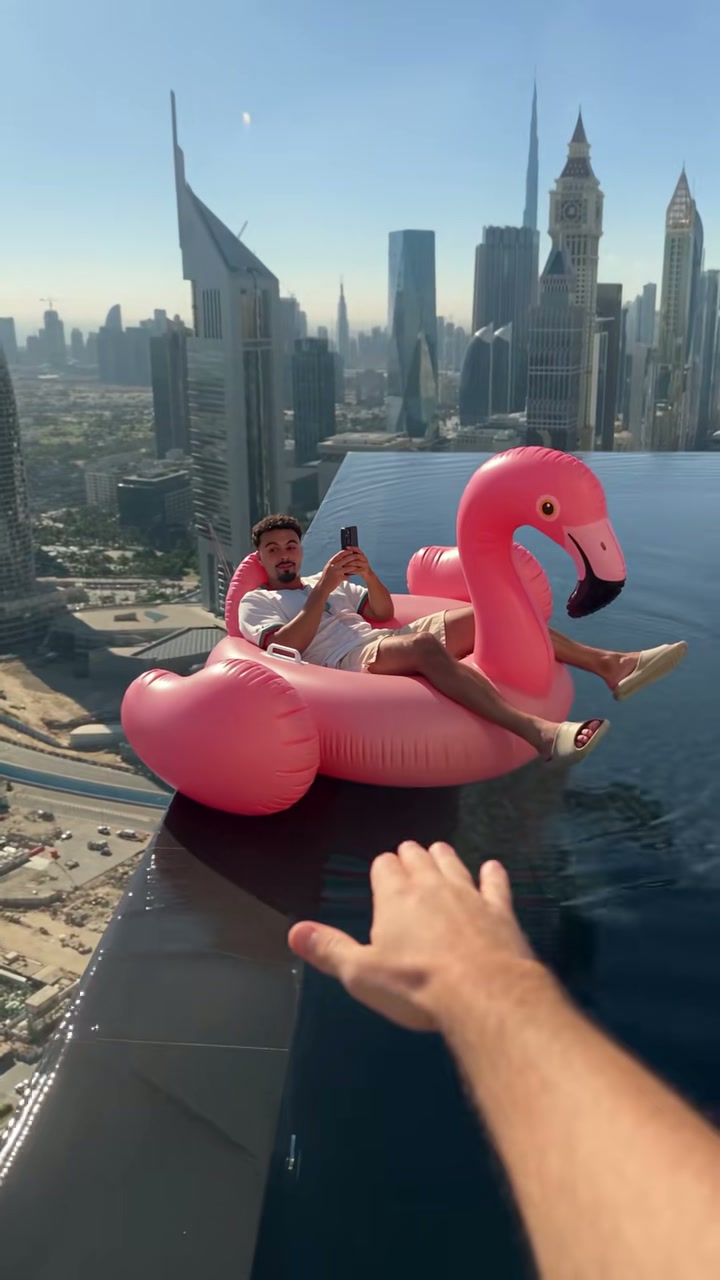
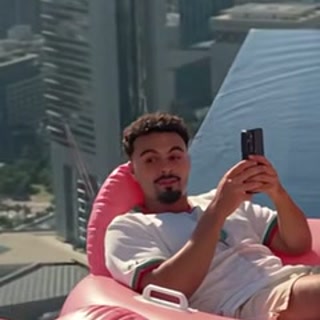
Lying back on the pink flamingo float, phone in hand, drifting toward the edge.
Replaces the man on the float. The hand, the pool and the skyline stay.
Flamingo Float AI · the infinity-pool trend
One photo, eleven seconds, a rooftop pool 300 metres up
Upload one photo and get an 11-second vertical clip of the flamingo float reel: you lie back on the giant pink float at the open edge of a Dubai rooftop infinity pool, phone in hand, until a hand reaches in and pushes you back from the drop. Same camera, same drift, same "hey bro, bro, bro" underneath.
One continuous handheld shot, no cuts. The float drifts toward the drop, a hand pushes it back, you look up from the phone, and then it glides off down the pool until it is a pink dot against the skyline. Your photo replaces the person on the float; the pool, the edge, the float and the hand stay exactly where they are.
The rider
One photo, face clear and front-facing.
The drift, the save, the wide shot. Only the person on the float changes.
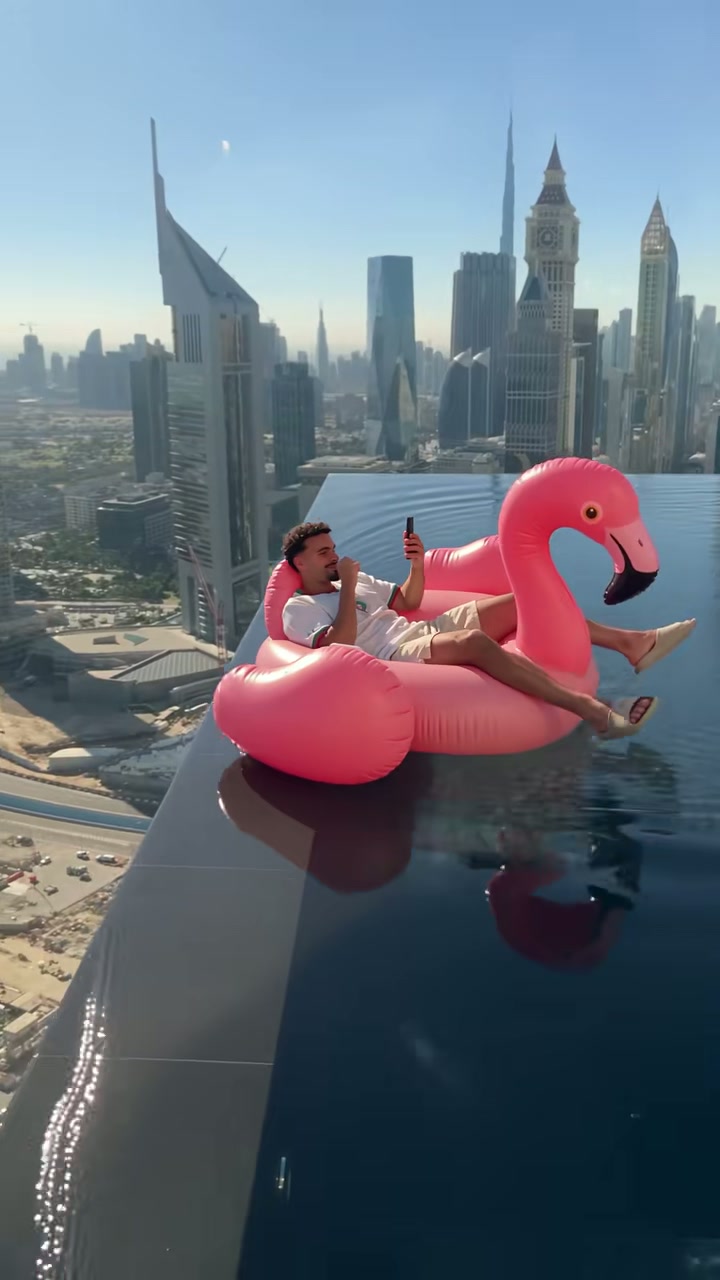
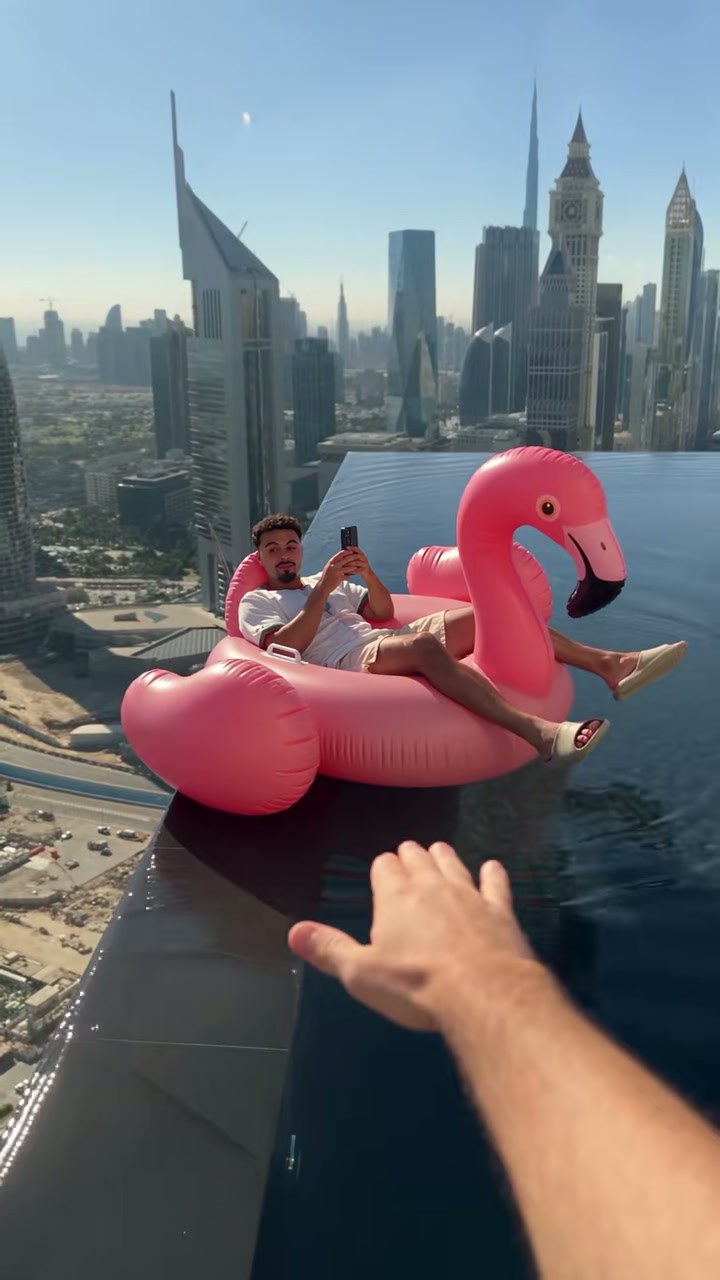
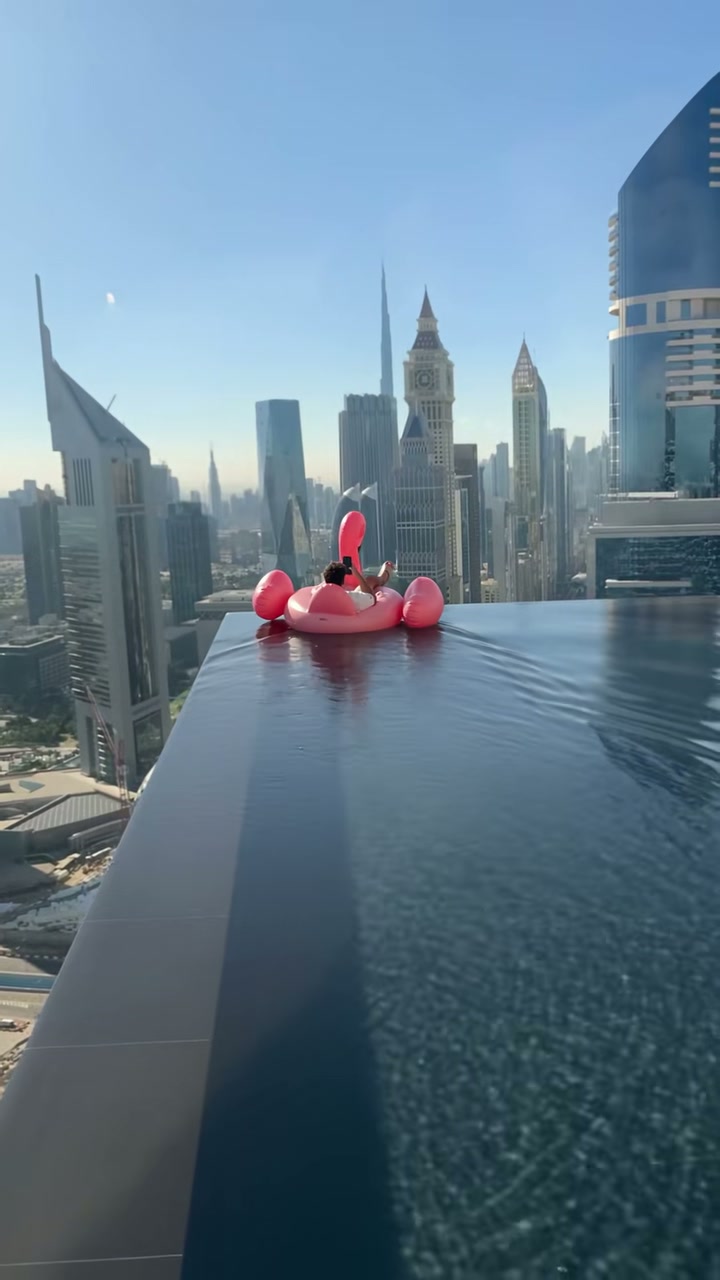
Flamingo Float AI is the photo-to-video version of an 11-second reel that took over TikTok and Instagram in the first days of November 2026. A man lies back on a giant pink inflatable flamingo at the very edge of a rooftop infinity pool above Dubai, scrolling his phone, apparently unaware that the float is about to drift over the drop. A hand comes in from behind the camera, pushes the float back, and a voice says "hey bro, bro, bro" — then a quieter "thank you".
Two reels sit behind the trend. On 29 October 2026 the AI filmmaker Ilia Prudnikov (cain.aii on Instagram) posted a clip labelled AI content: a float tipping over the glass edge of a Singapore skyscraper pool and rocking back. On 2 November 2026 Younes Zarou posted the Dubai version with the hand and the thank-you, and it took off — 2.2 million likes on Instagram and 4.6 million views on TikTok within a day. Half the comments under it ask whether it is real.
That is the whole joke, and it is why the clip works as a template. The drop is the setup and the hand is the punchline. Nothing has to be acted, because the float, the edge and the skyline are already in the reference; the only variable is who is lying on the float. One photo covers it.
One photo and one button. There is no prompt box, because the shot is already decided.
A clear, front-facing photo of one adult. The face, hair, skin tone and clothes come from the photo; the pool, the float, the hand and the drift all come from the clip.
480p, 720p or 1080p. The credit cost sits on the button before you pay; 1080p is an AI upscale of the 720p master, not a second render.
11 seconds, 9:16, MP4, no watermark. The original sound is already under the picture — keep the platform's AI label on when you post.
Every version of this trend has exactly one person on the float, and that is the whole casting decision. There is no second seat: at this framing the head is roughly 25 pixels wide at the start of the clip and under 10 by the end, so splitting the frame between two faces would leave neither readable. One photo, one rider.
The rider
Lying back on the pink flamingo float, phone in hand, drifting toward the edge.
Replaces the man on the float. The hand, the pool and the skyline stay.
The face is small here, so the photo has to be sharp and close. This is the one effect on the site where a tight headshot beats a full-body shot.
Same portrait rules as every other effect on the site. Tiny Desk AI photo requirements
Eleven seconds against an eleven-second reference is the shortest full-scene render on the site, so it is the cheapest trend clip we sell: 5 credits at 480p, 7 at 720p, 12 at 1080p. One $6.99 pack covers a 720p video.
| Cast | 480p | 720p Best value | 1080p |
|---|---|---|---|
| 1 personOne photo, one rider | 5credits | 7credits | 12credits |
Priced per finished video, never per seat. 1080p is an AI upscale of the 720p master.
Credit packs: 7 credits for $6.99, 16 for $14.99, 50 for $44.99. Credits last 12 months. Pricing
The rest of the site explains the format, the photo rules and the other effects.
Use a photo where the face is sharp and close — it is the only thing the render has to get right.
Make my flamingo float video